Create Your Account
Get started with Lenify by creating your developer account in just a few simple steps.
Account Registration Process
1. Visit Lenify Platform
Go to lenify.ai to access the registration page.
2. Fill Out Registration Form
Click "Sign Up" and complete the registration form with:
- First Name and Last Name: Your full name for account identification
- Email address: Valid email address (used for login and notifications)
- Password: Minimum 8 characters for security
- Confirm Password: Re-enter password to ensure accuracy
3. Form Features
The registration form includes:
- Real-time validation: Immediate feedback on form fields
- Loading states: Visual indicators during submission
- Secure password requirements: Enforced security standards
- Developer-focused interface: Clean, professional design
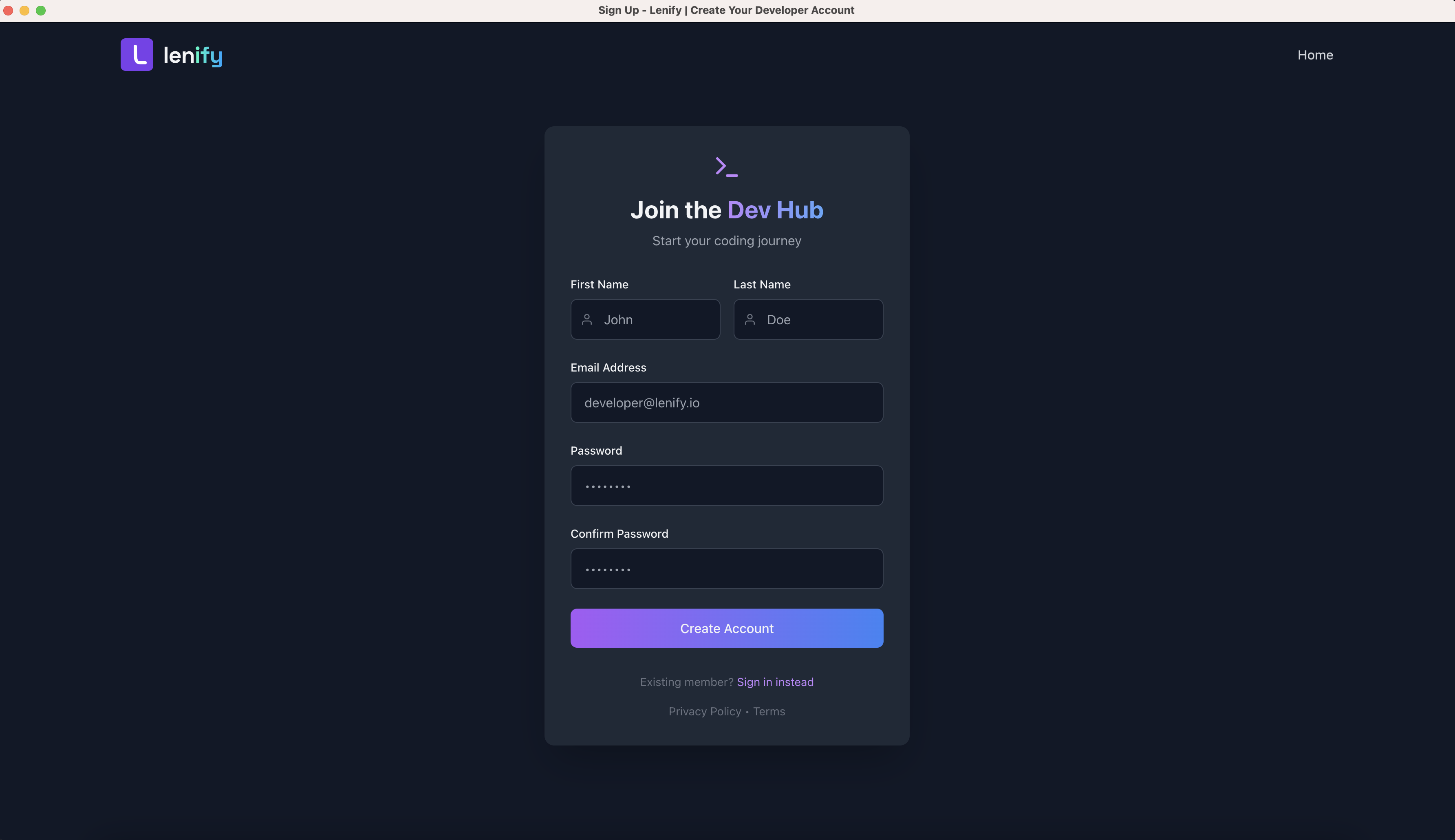 The Lenify sign-up form with a clean, developer-focused interface featuring real-time validation, loading states, and secure password requirements
Next Steps
After completing registration, you'll be redirected to the account activation page. Continue to Account Activation to complete your account setup.
Account Security
- Password Requirements: Minimum 8 characters
- Email Verification: Required for account activation
- Secure Processing: All data encrypted during transmission
- Privacy Protection: Account data handled according to privacy policy