Account Activation
Complete your account setup through email verification to activate full access to Lenify's features.
Activation Process
1. Account Activation Instructions
After successfully submitting the registration form:
- Automatic Email Delivery: An account activation email is sent immediately to your registered email address
- Activation Instructions Screen: You'll be redirected to an activation pending page with clear instructions
- Visual Confirmation: The screen confirms your registration was successful and provides next steps
- Email Delivery Status: Information about email delivery and what to do if you don't receive it
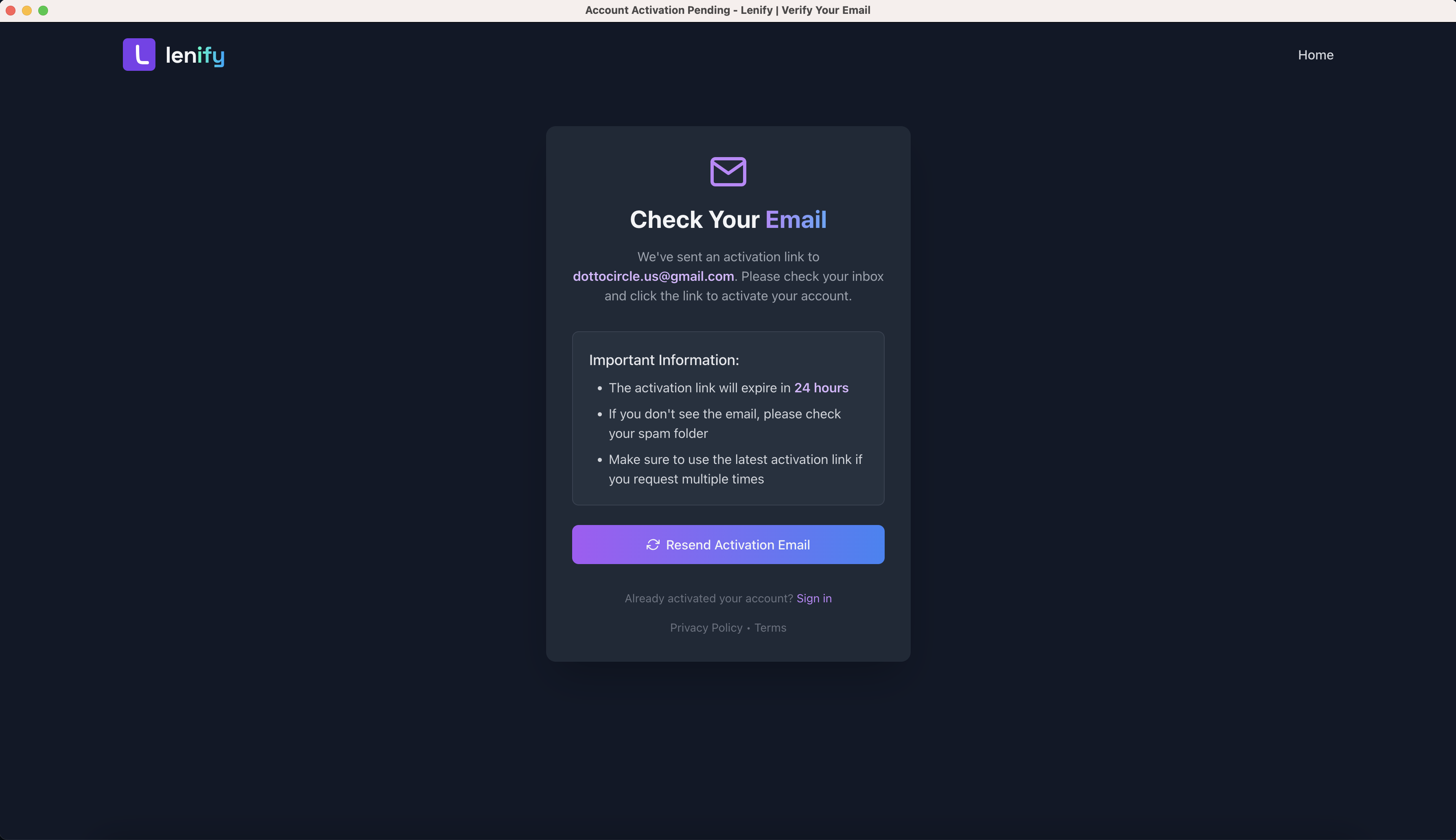 Account activation instructions screen showing confirmation of registration and email delivery status
2. Check Your Email
From the activation pending page, check your email inbox for the verification message.
Important Notes:
- Check your spam/junk folder if you don't see the email
- Verification emails are sent immediately after registration
- The verification link expires after 24 hours
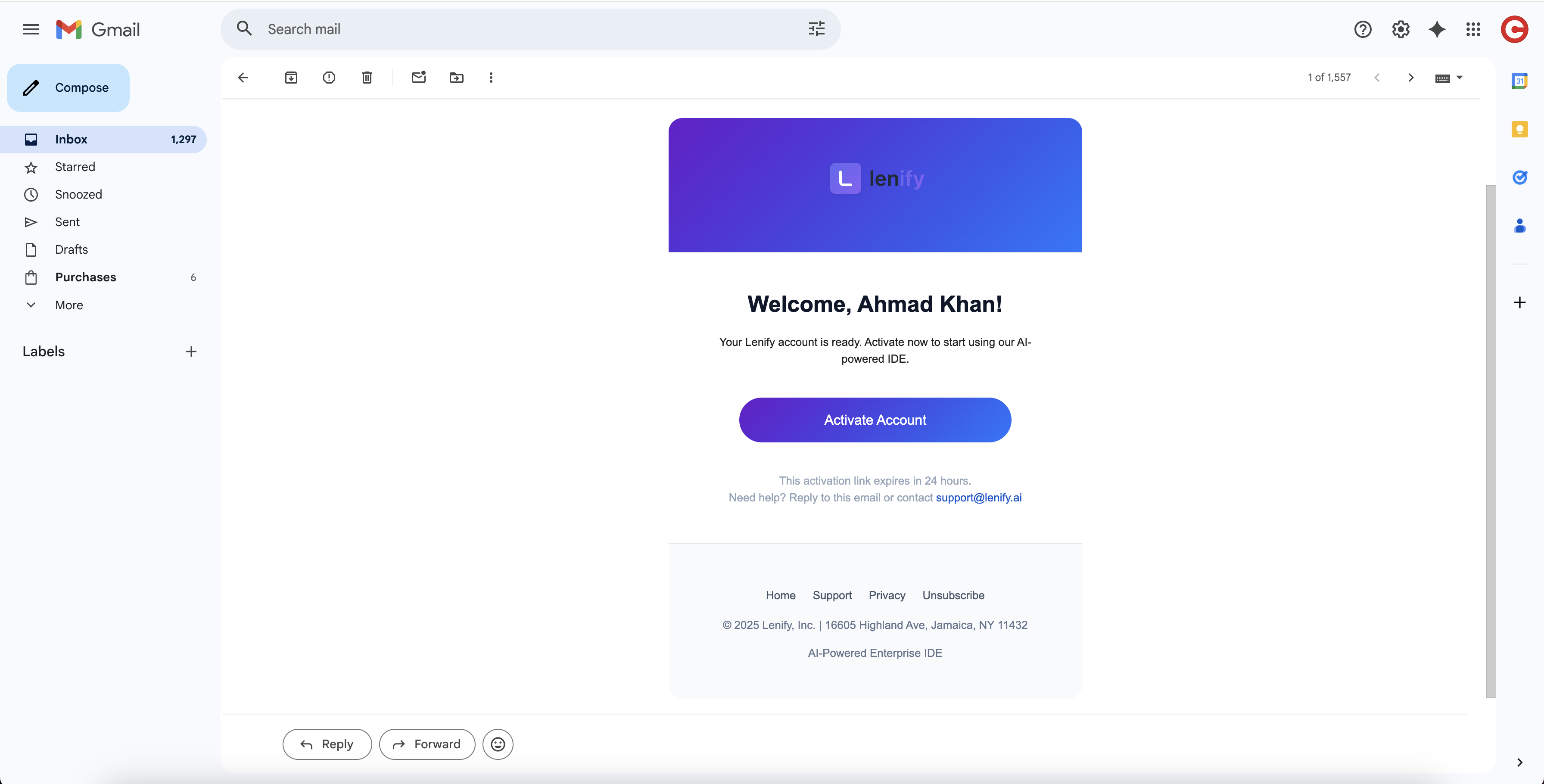 Activation pending page with instructions to check email for verification link
3. Click Activation Link
Open the email from Lenify and click the "Activate Account" link to confirm your account.
4. Account Confirmation
Once you click the verification link:
- Your account will be immediately activated
- You'll be redirected to the sign-in page
- You can now access your dashboard and all features
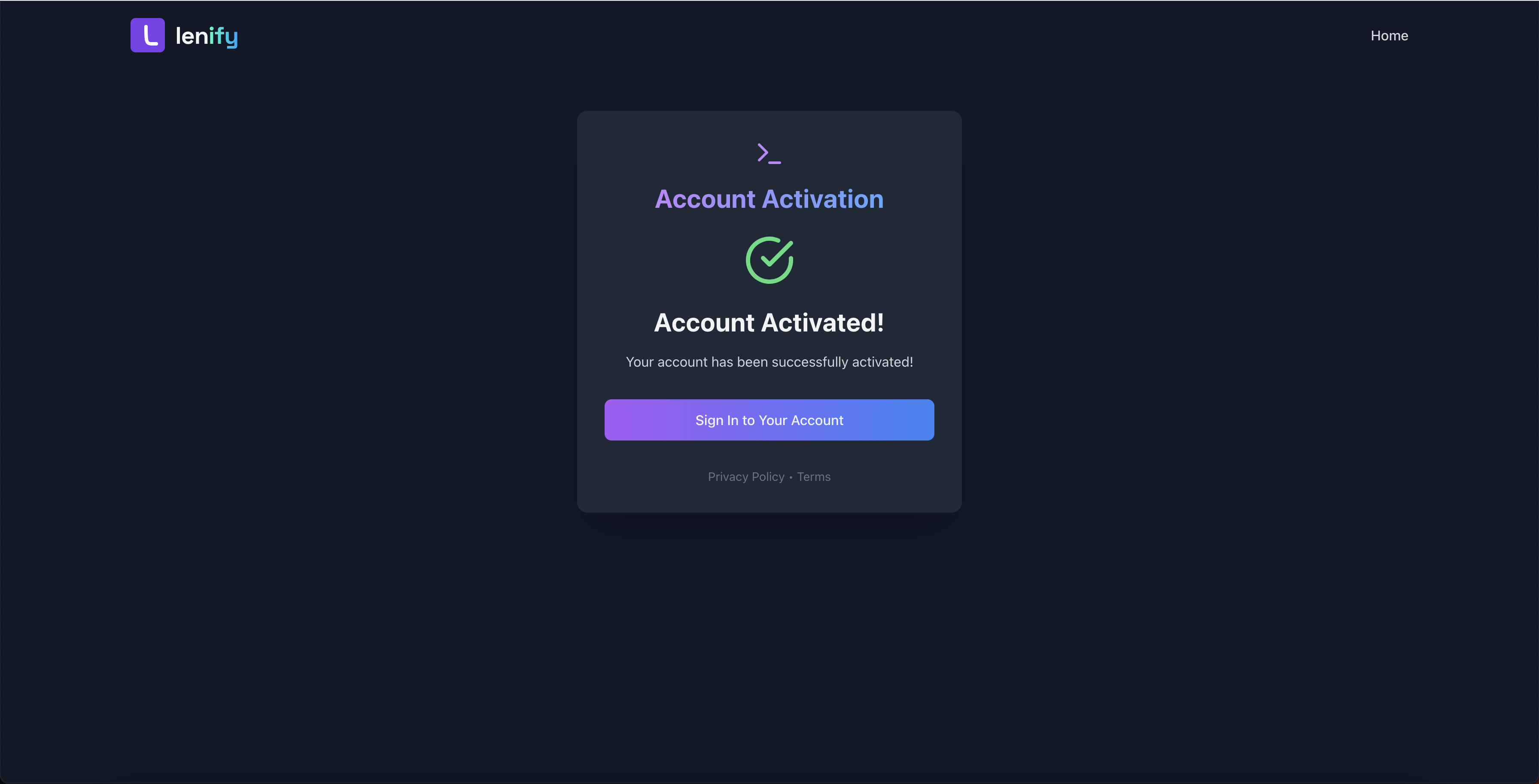 Account activation interface showing activation pending status with email verification instructions
Troubleshooting
Email Not Received
If you don't receive the verification email:
- Check Spam Folder: Verification emails might be filtered
- Wait a Few Minutes: Email delivery can take up to 5 minutes
- Request New Email: Use the "Resend Activation" option if available
- Contact Support: Reach out if issues persist
Link Expired
If your activation link has expired:
- Sign In First: Go to the sign-in page and enter your credentials to access the activation pending page
- Request New Link: From the activation pending page, request a new verification link
- Check Email: Look for the new verification email
- Complete Activation: Click the new link within 24 hours
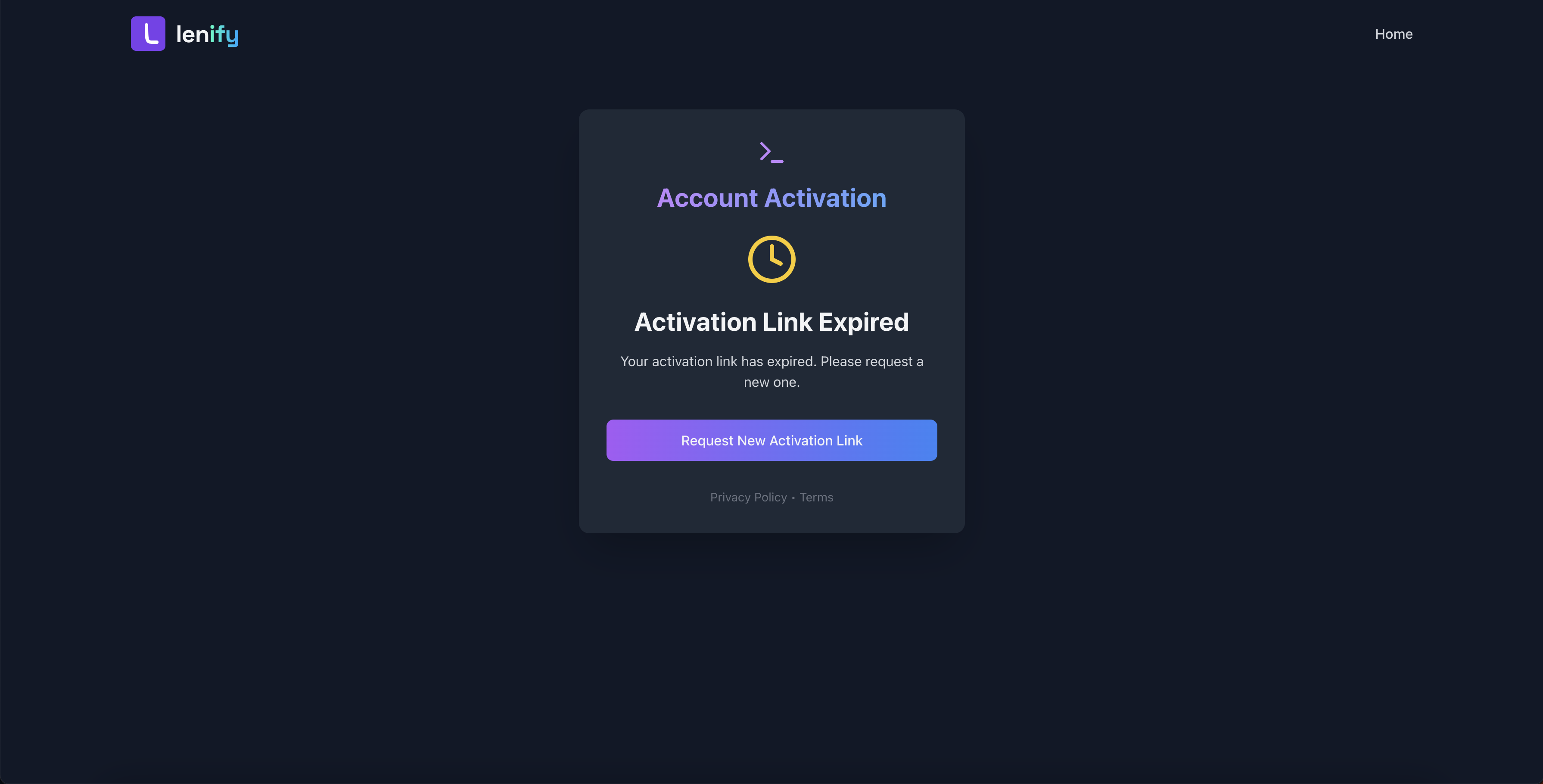 Account activation page showing expired link status with option to request a new activation email
After Verification
Once your email is verified, you can:
✅ Sign in to your account
✅ Access the dashboard
✅ Set up your subscription
✅ Begin using Lenify's features
Continue to Sign In to access your new account.